The Ultimate IPTV Subscription Package in Saudi Arabia
We redefine digital entertainment by delivering the best and premium quality IPTV subscription package in Saudi Arabia. Our service combines reliability, performance, affordability, and expansive content to provide unmatched value.

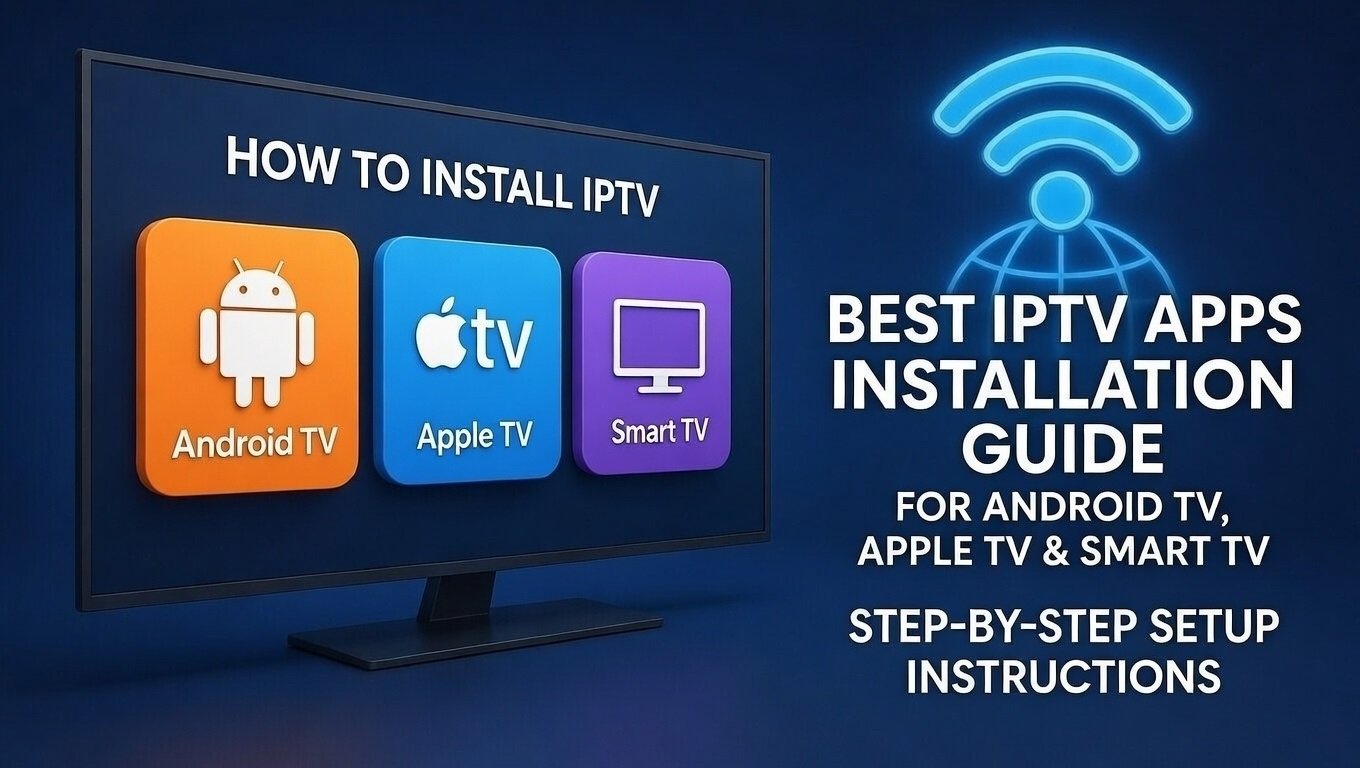
How to Install IPTV on Android TV, Smart TV, and Apple TV, Set-Top Boxes
1. Install IPTV Using apps on Android Devices :
Android Devices you will Get Premium Apps Completely Free with life time access.
- We will Provide you APK Apps link for install and also provide install instructions on WhatsApp
Install Downloader/Browser App from Play Store.
Enter the IPTV APK download URL. ( which url/link we provided)
Download and install the file.
Open and log in with subscription details.
2. How to Install IPTV on Smart TV :
- Press the Home button on your remote.
- Open the Apps Store on your smart TV
- Search IPTV Smarters
- Click Install and wait for the app to download.
- For smart tv you need make your apps premium.
- You will get 7 days Free trial time for apps, after 7 days you need to make it premium.
Add Your IPTV Playlist
Most Samsung IPTV apps require:
- Uploading M3U URL via their website.
- Or entering Xtream Codes directly inside the app.
Restart the App
Restart the IPTV app to load channels.
IPTV apps support devices :